
Features · Contacts
Mailing lists that use the right address.
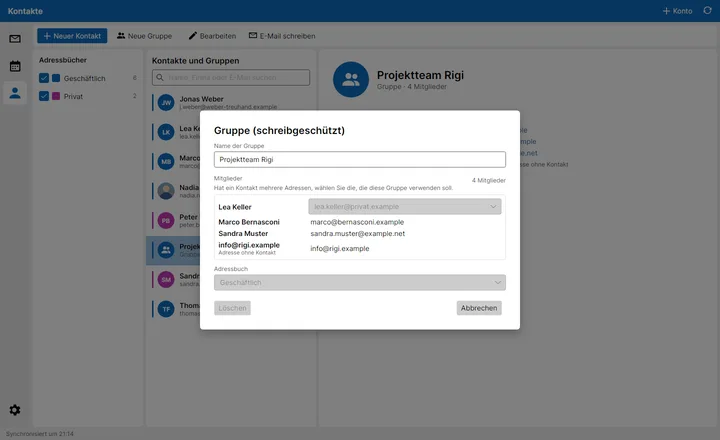
Lea has a work and a private address? Use the private one for the barbecue list and the work one for the project team. Per group, per person.
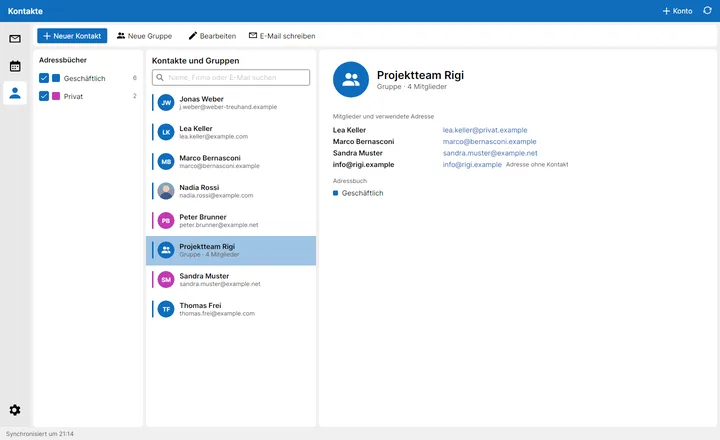
Address books
All address books of your accounts in one place, each with its own colour. Duplicates can simply be deselected – and contact photos show faces instead of initials.
- Colour-coded address books – see at once where a contact comes from
- Contact photos – faces instead of initials
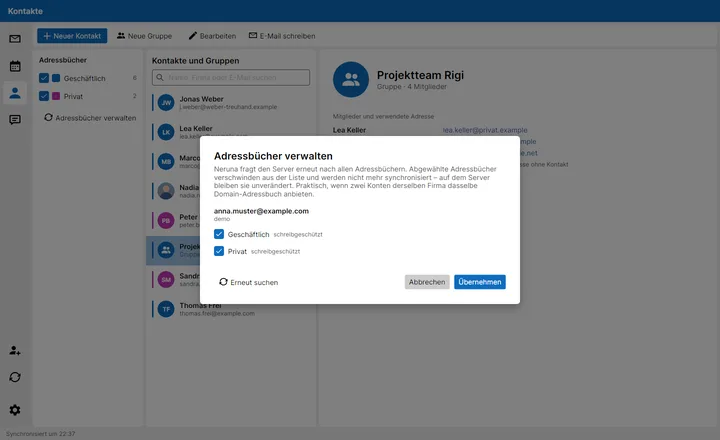
Mailing lists
Colour-coded address books, contact photos and groups – where you choose for each person which address the list uses.
- Groups & lists – also with addresses that aren't contacts
- Compatible – groups in the common CardDAV format that other programs understand too
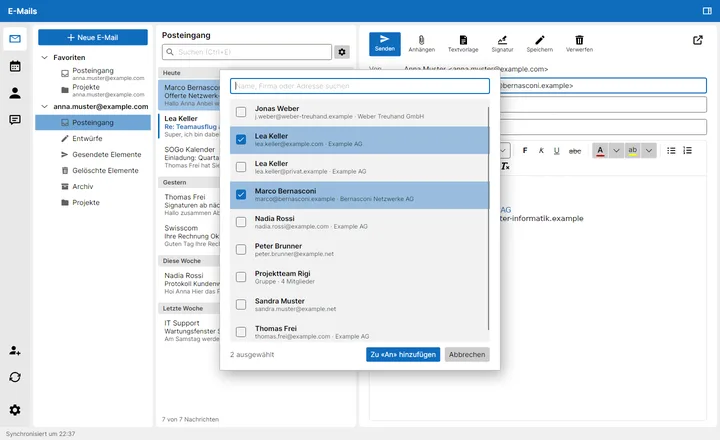
At hand while writing
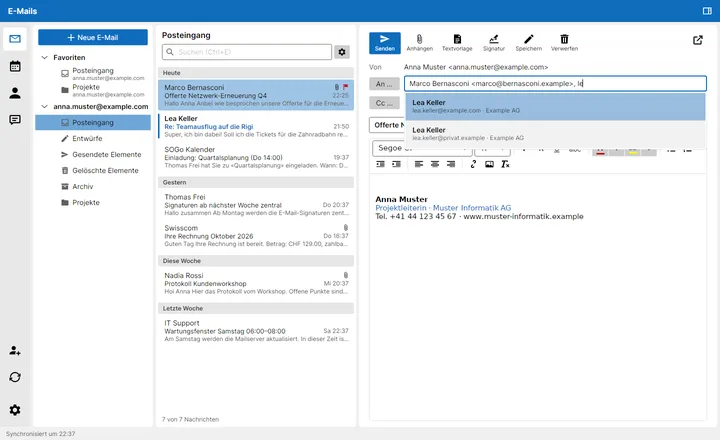
A few letters are enough: Neruna suggests contacts and groups. Or click “To” or “Cc” to pick several at once.
Birthdays
Add a birthday to a contact – the year is optional. The contact view shows the age, and the birthday calendar reminds you in time.
vCard · BDAY
Stored in the standard vCard field – so other programs and your server see it too.