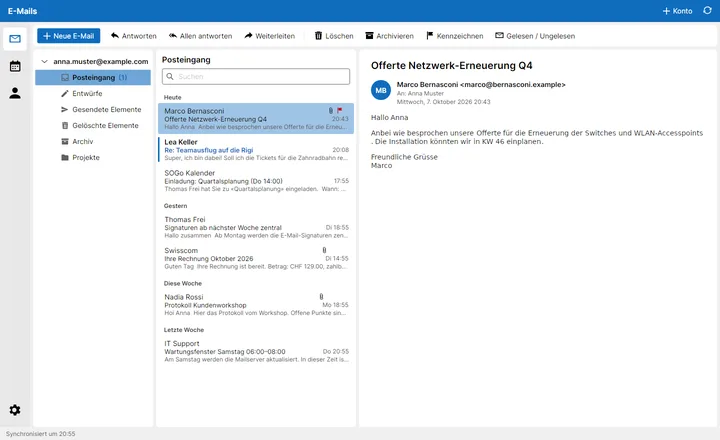
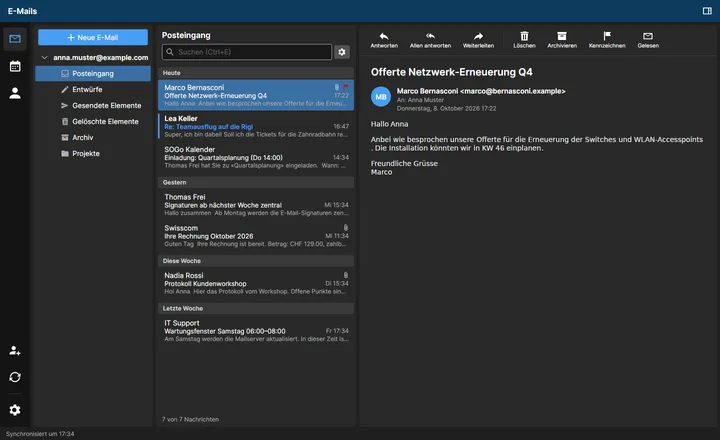
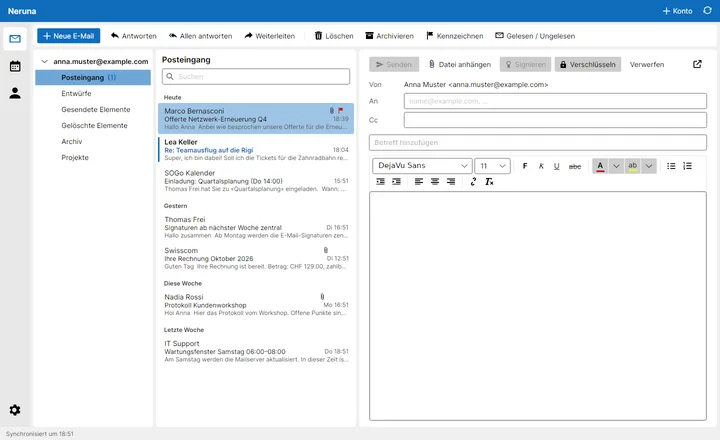
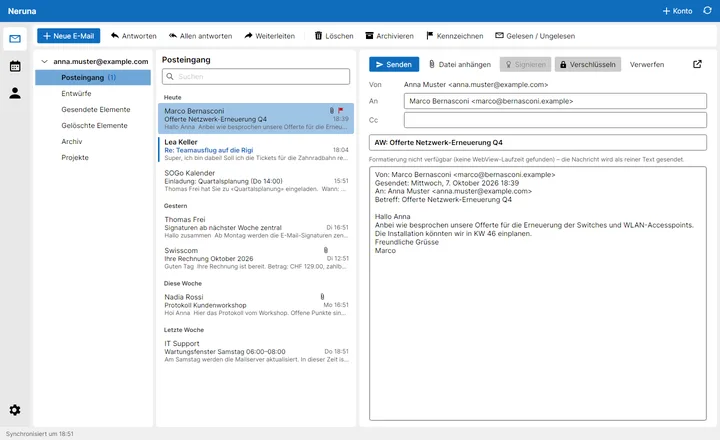
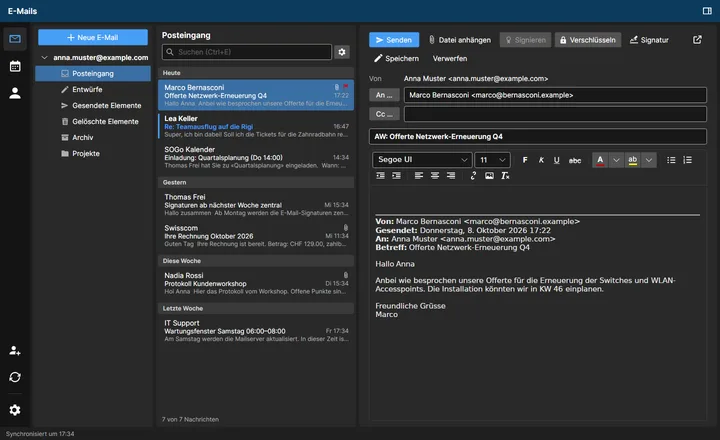
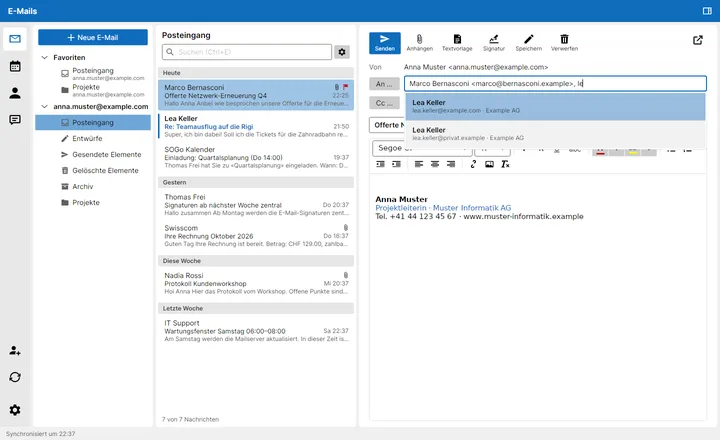
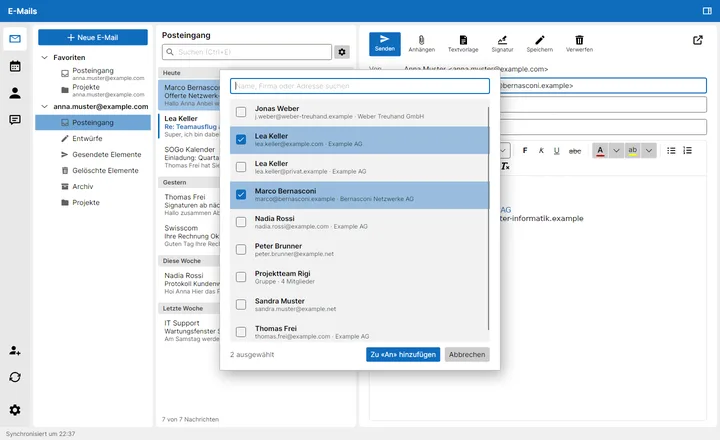
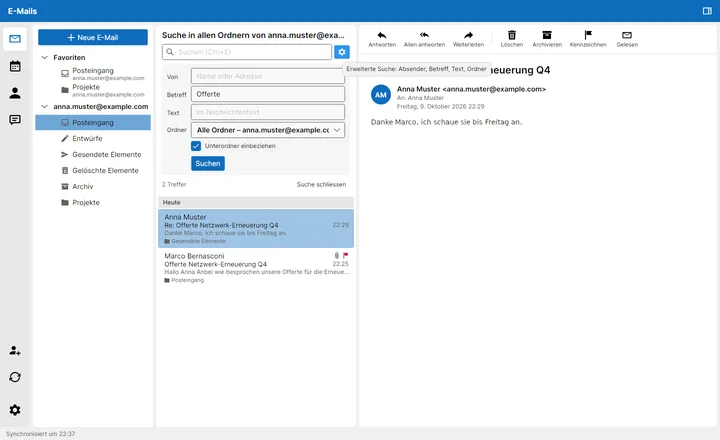
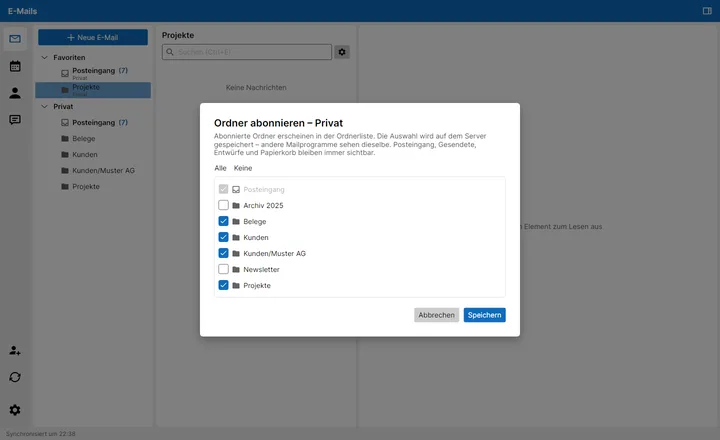
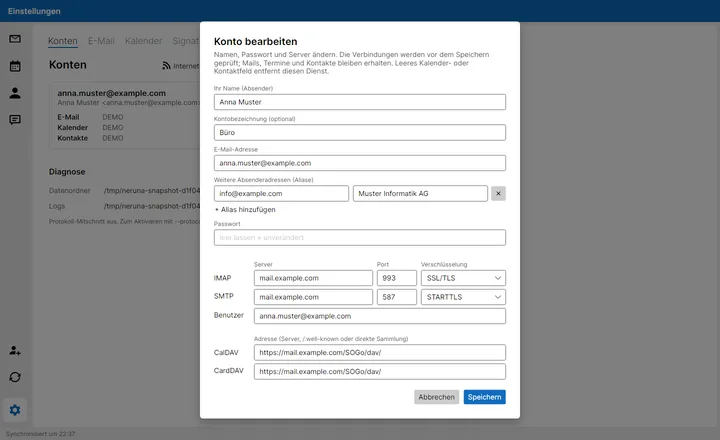
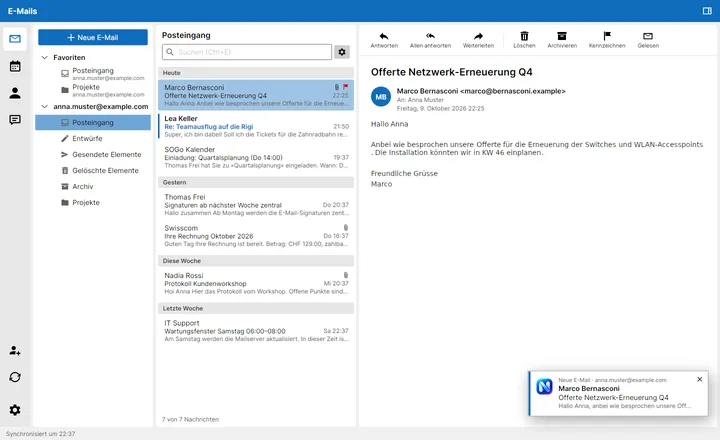
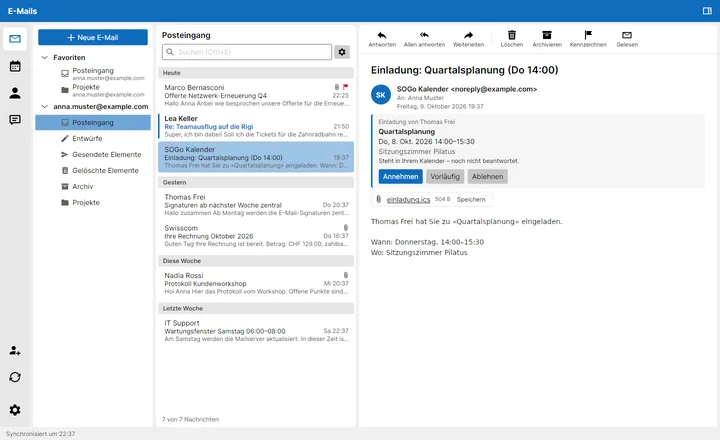
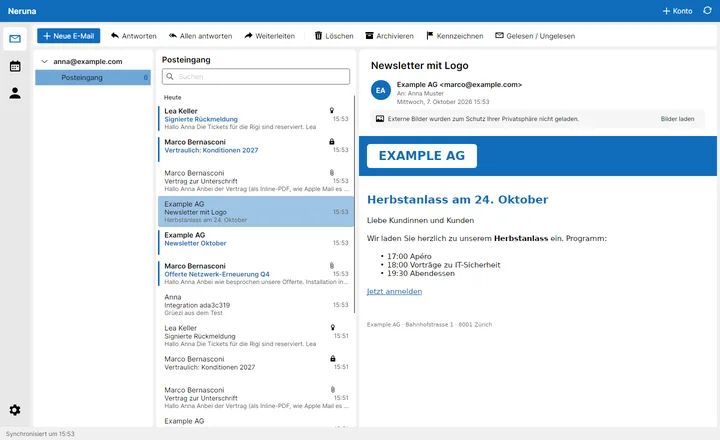
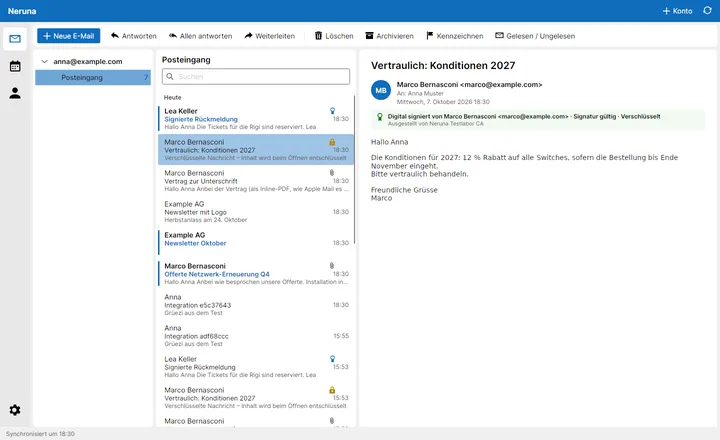
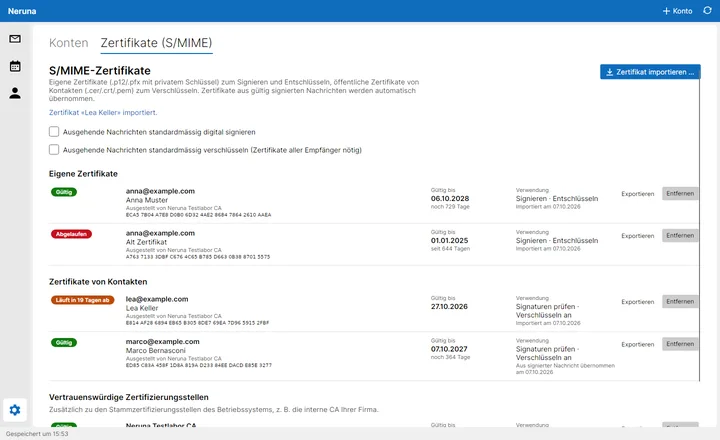
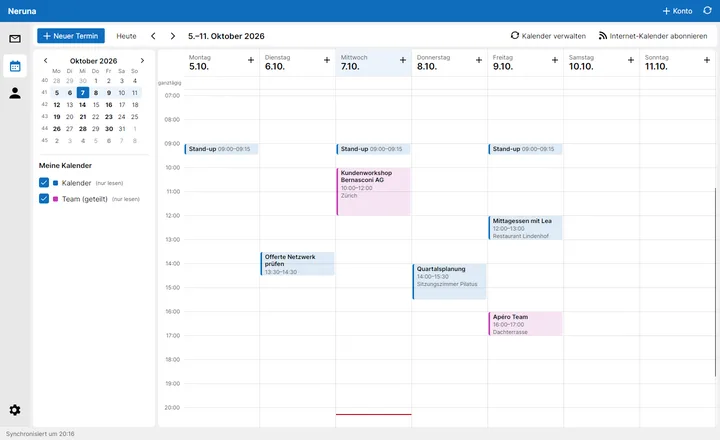
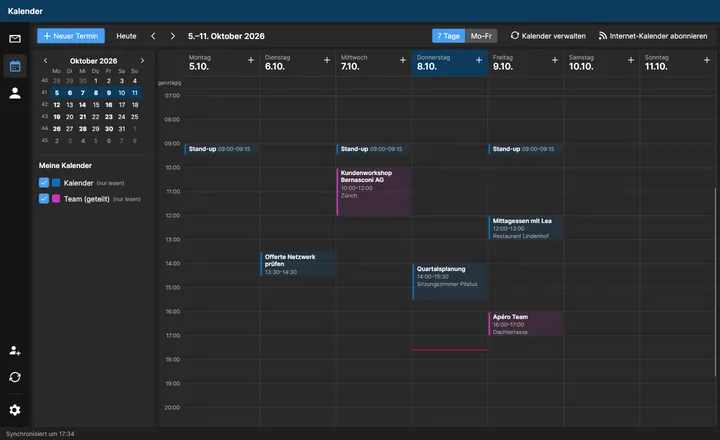
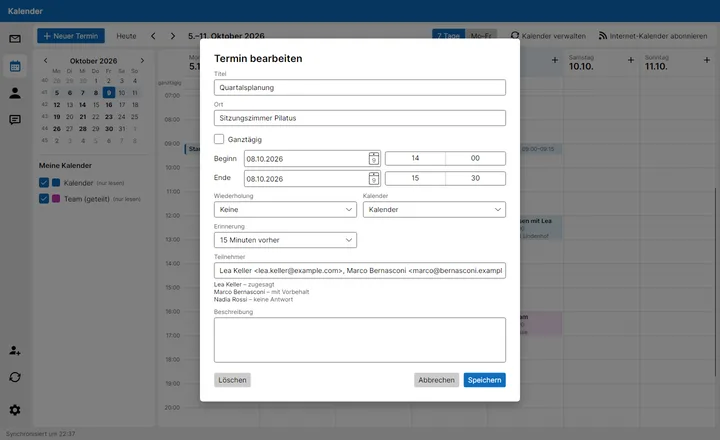
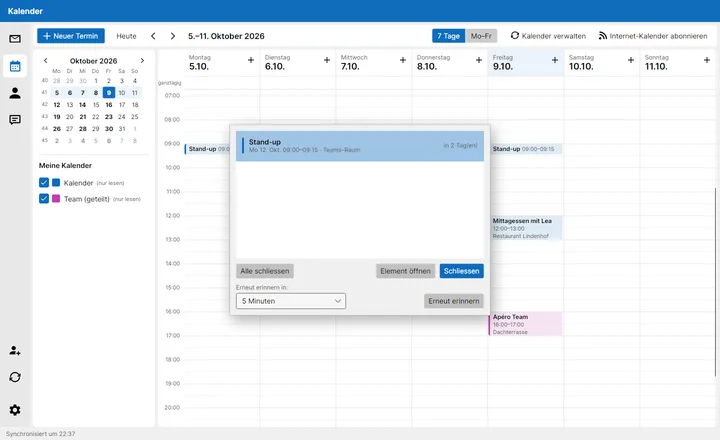
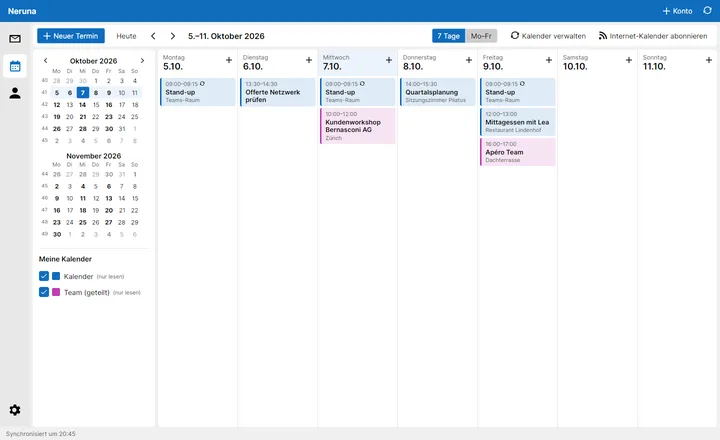
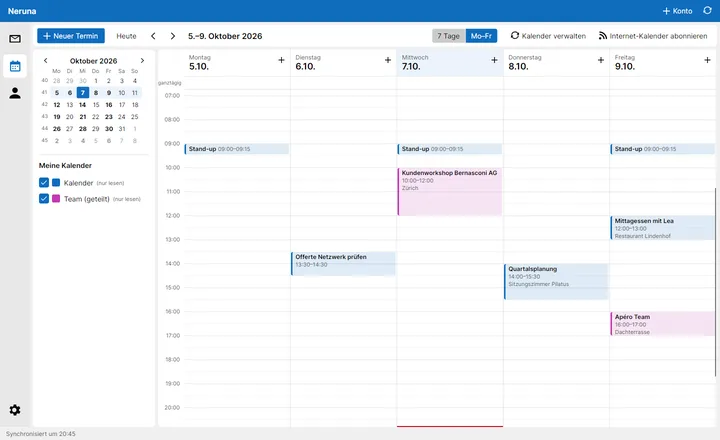
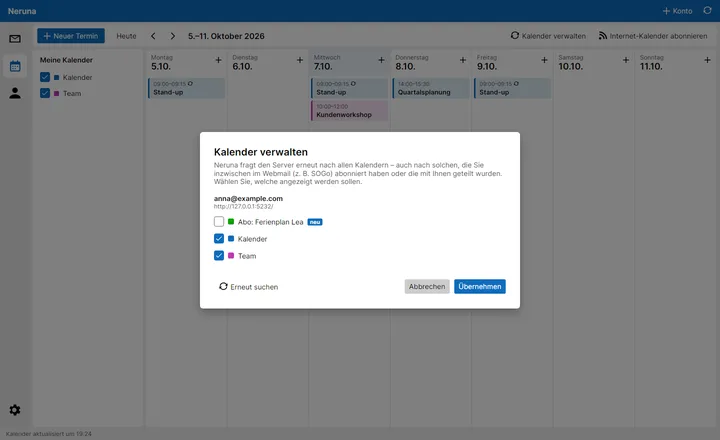
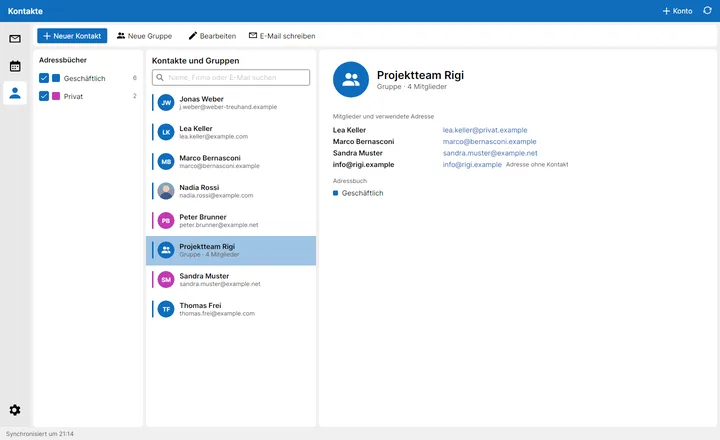
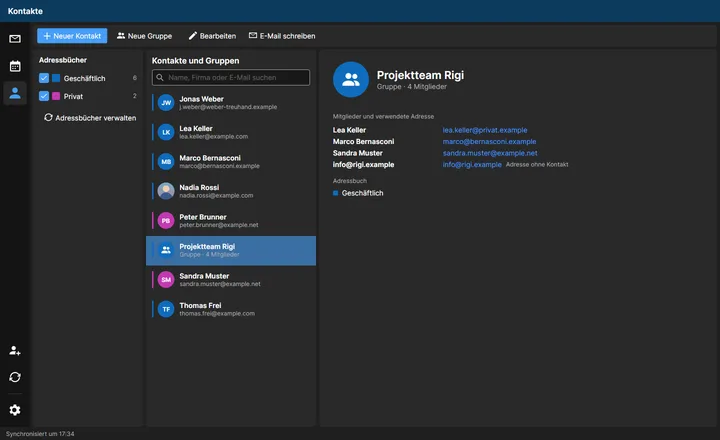
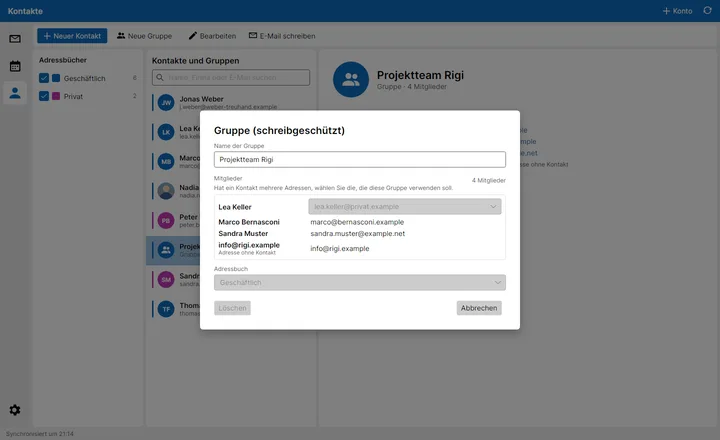
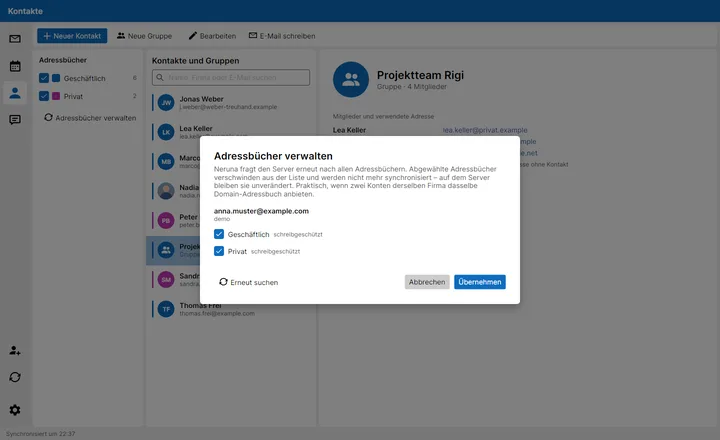
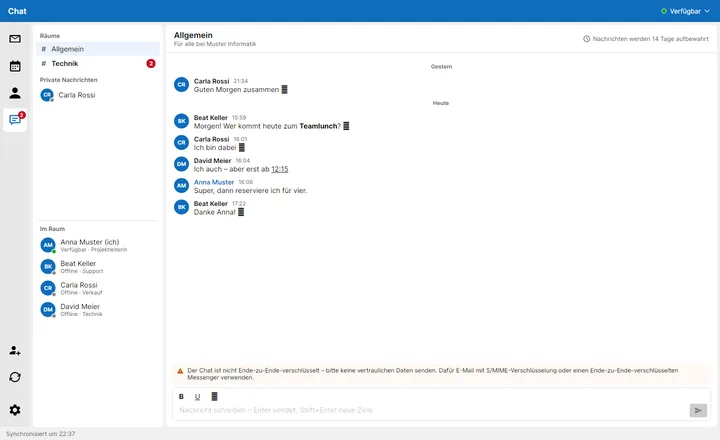
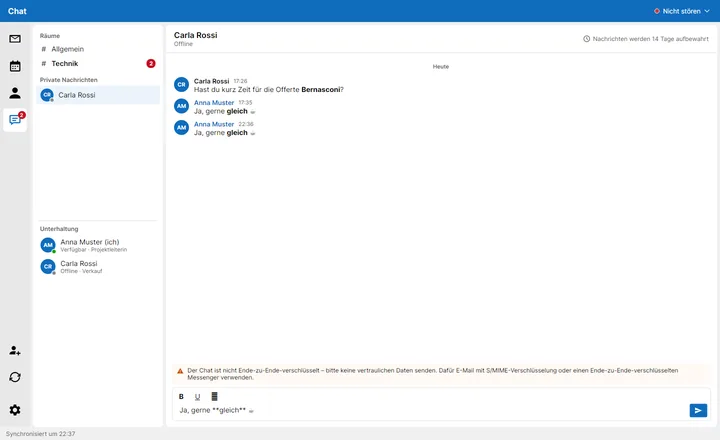
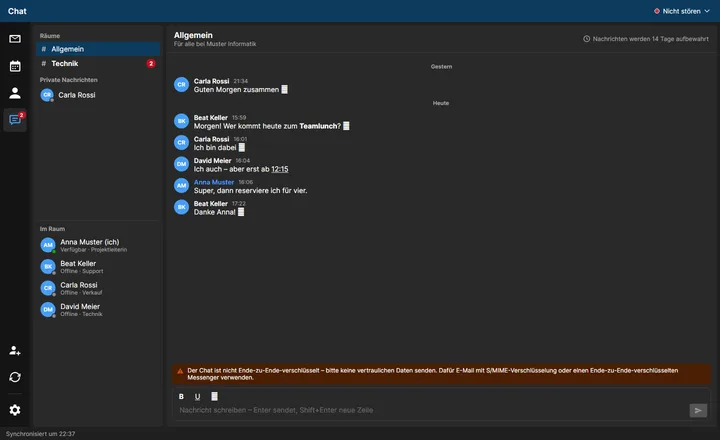
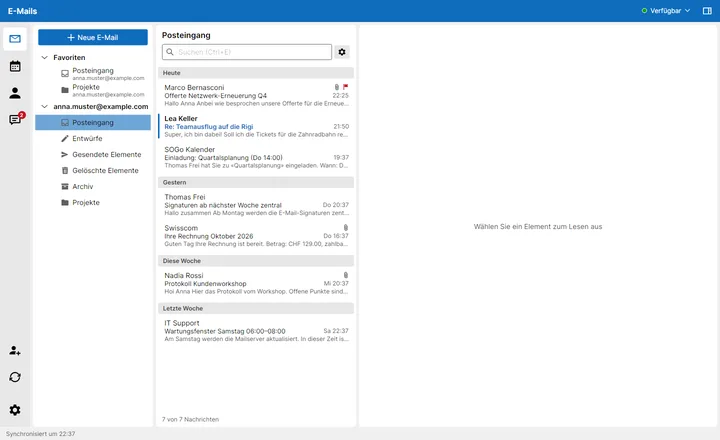
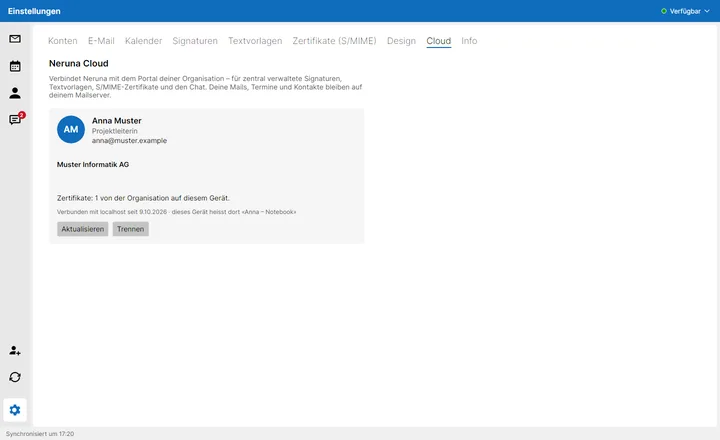
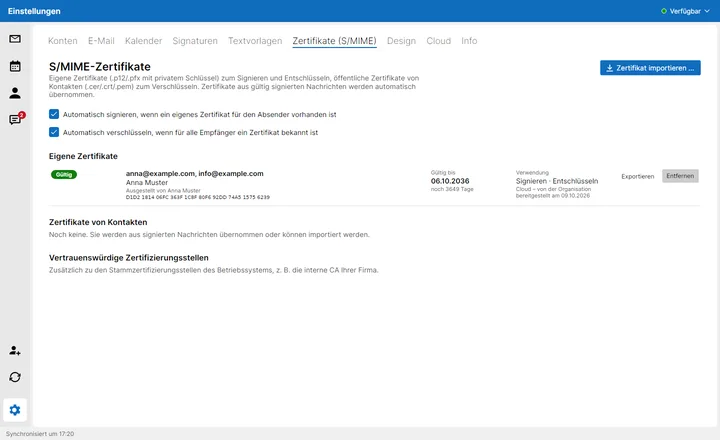
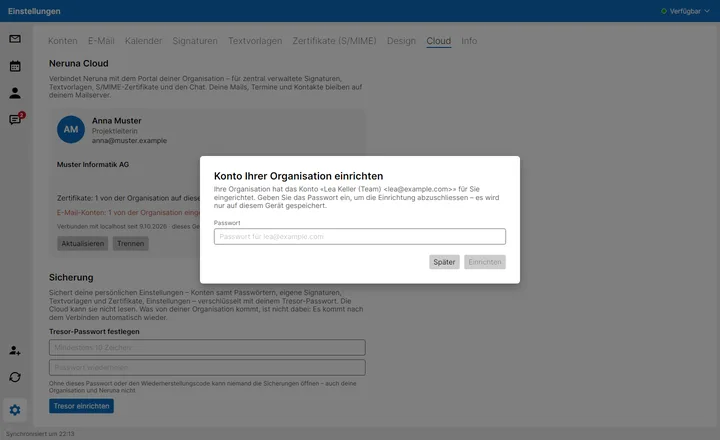
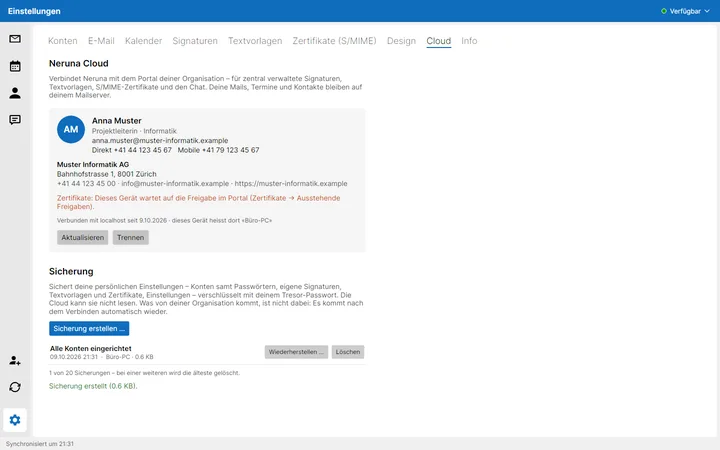
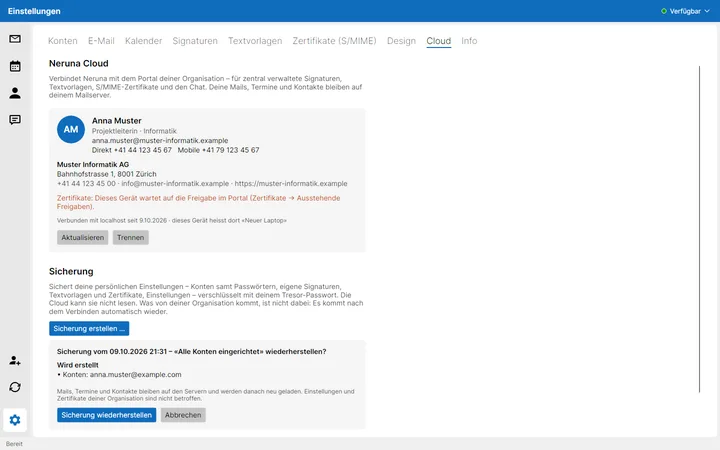
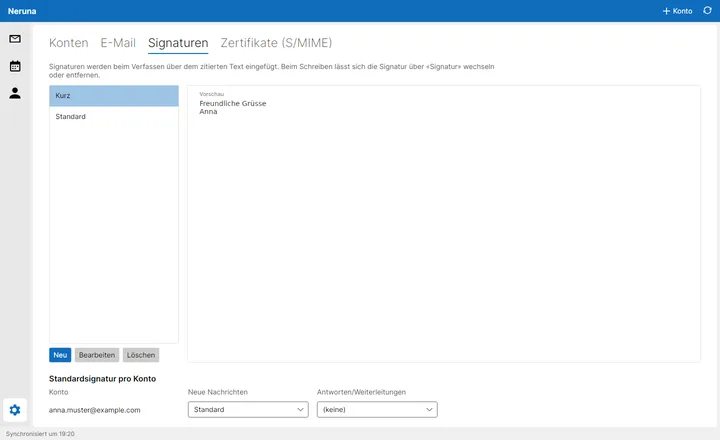
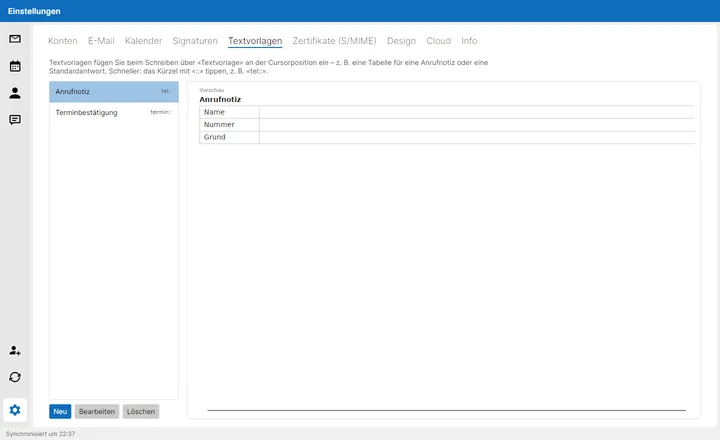
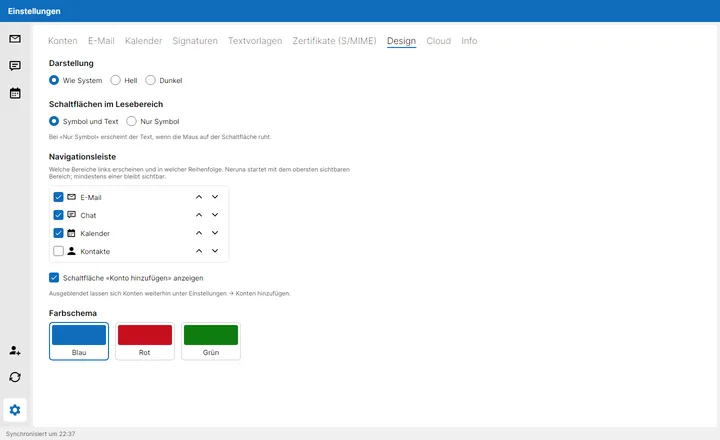
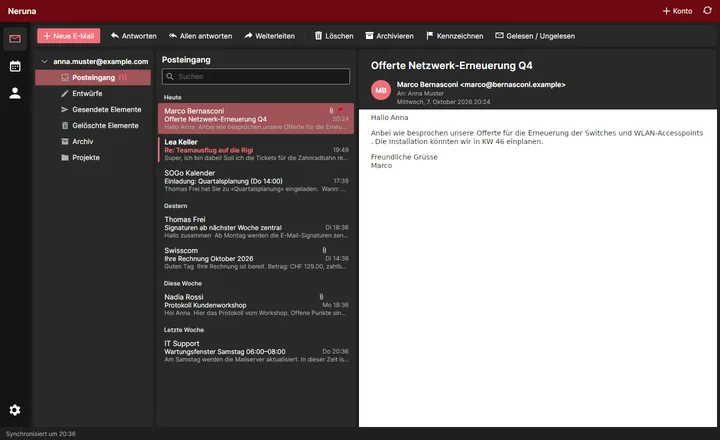
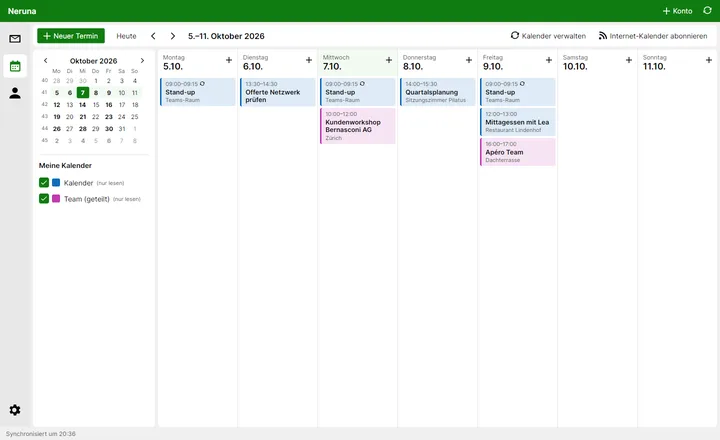
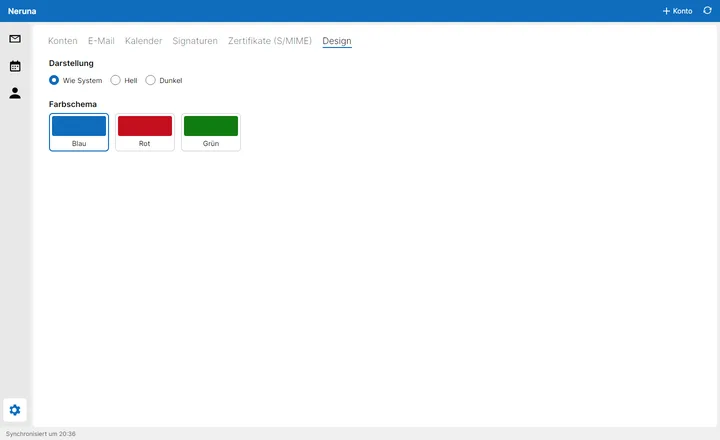
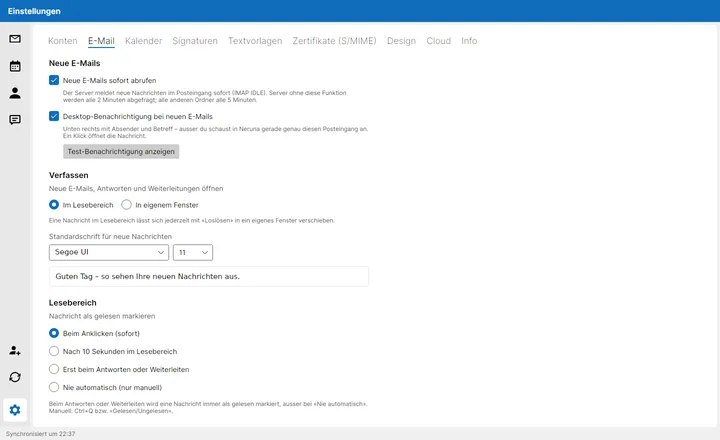
No mock-ups – this is what Neruna Desktop looks like today. Click to enlarge.
InboxFolders with icons and unread countsInbox, darkThe mail text is dark tooComposeWith signature and formatting toolbarReplyWith the header block you knowWriting, darkSent as usualAddress completionA few letters are enoughChoose contactsClick «To» or «Cc»SearchSender, subject, text – on the serverFolder subscriptionsFavourites on top, hidden folders goneAccount & aliasesMore senders for the same mailboxNotificationWithin seconds, a click opens the mailInvitationsAccept, tentative, declineHTML mailRemote images only after a clickS/MIMESignature verified, decryptedCertificatesOverview with email and expiry date
Time gridEvents at their timeCalendar, darkEasy on the eyes at nightMeetingsWho accepted, at a glanceRemindersRemind again in 5 minutes … 1 dayMonth overview1 or 2 months, with week numbersMon–FriJust the working daysManage calendarsReload subscriptions any time
Contacts & groupsAddress books with their own coloursContacts, darkGroup with membersMailing listsThe right address for each memberAddress booksSimply deselect duplicates
ChatRooms by groupPrivateBold, underlined, smileysChat, darkWith unread countersMiss nothingCounter and online status everywhereNeruna CloudConnected with code and PINCertificates from the cloudZero knowledge, approved per deviceAccounts from the cloudSet up by your adminsBackupEncrypted with your vault passwordRestoreWhat is created and what is removed
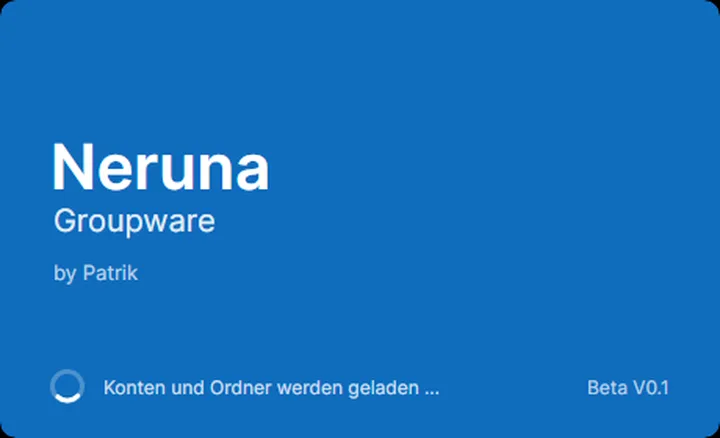
SignaturesPer account, for new and replyText templatesYour own and from the cloudYour barMail, calendar, contacts, chatDark modeFor night owlsGreenBecause blue isn't for everyoneDesignLight, dark, blue, red, greenSettingsInstant mail, notifications, fontStartNeruna Groupware, beta 0.1
All pictures come straight from the app – shown here with the German interface, which is also available in English, French and Italian.