Features · Team & cloud Beta on request
Set it up once. There everywhere.
Management for teams as a service, hosted in Switzerland. Your mail stays on your server – the cloud hands out settings, templates and certificates.
Neruna Desktop works fully without Neruna Cloud. The cloud is an extra for organisations – never a requirement.
Connect with code and PIN
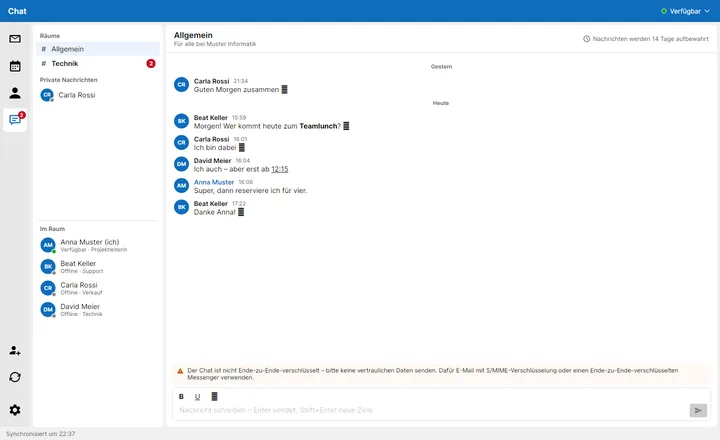
Admins create a connection code in the portal; the PIN comes separately, never by email. Enter it in Neruna under Settings → Cloud – done. Every device gets its own key and can be blocked in the portal.
Team chat
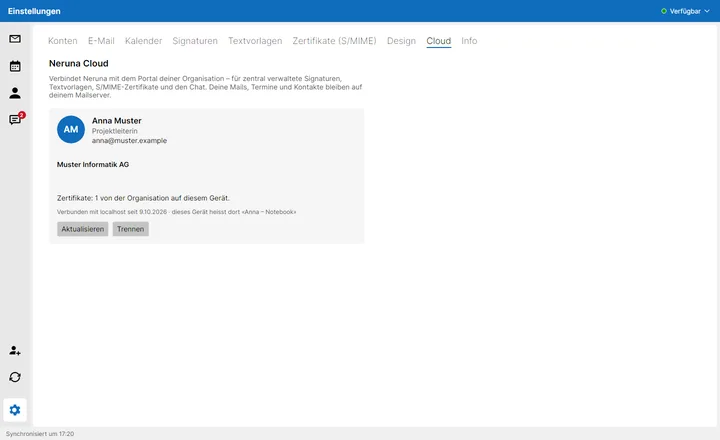
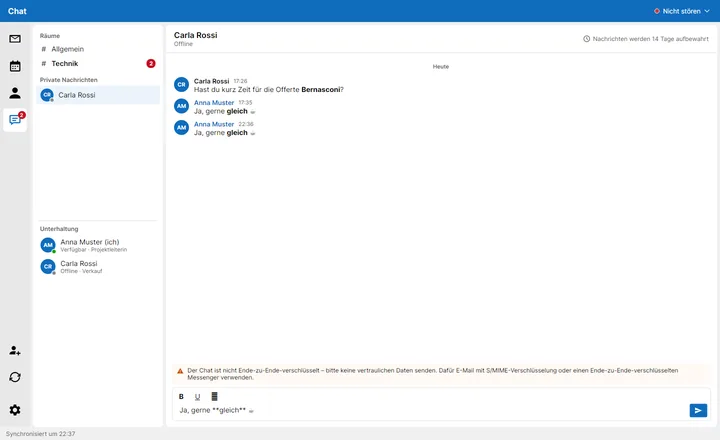
With Neruna Cloud: rooms per group, private messages, online status and a counter for what's new. Messages are kept only as long as your organisation decides.
- Rooms per group, private messages with formatting and smileys
- Retention from 1 day to 3 months – or the chat switched off entirely
Central signatures & templates
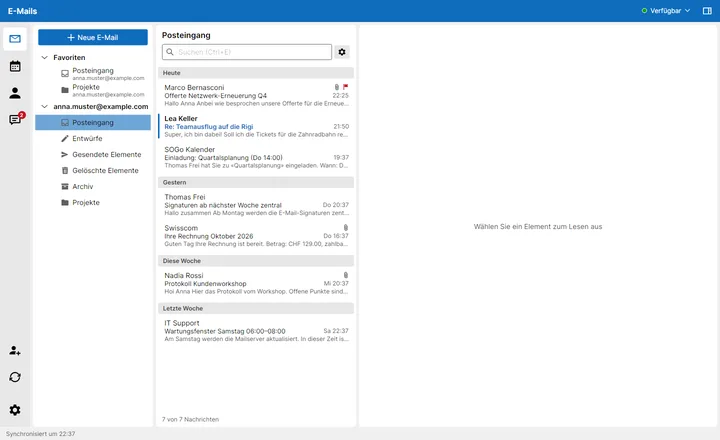
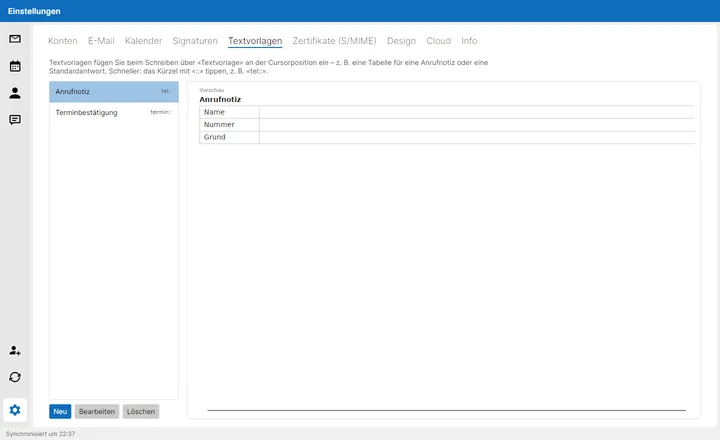
Consistent signatures with each person's current profile data, plus text templates with shortcuts – maintained in the portal, assigned per group, on every device right away.
Certificates from your company
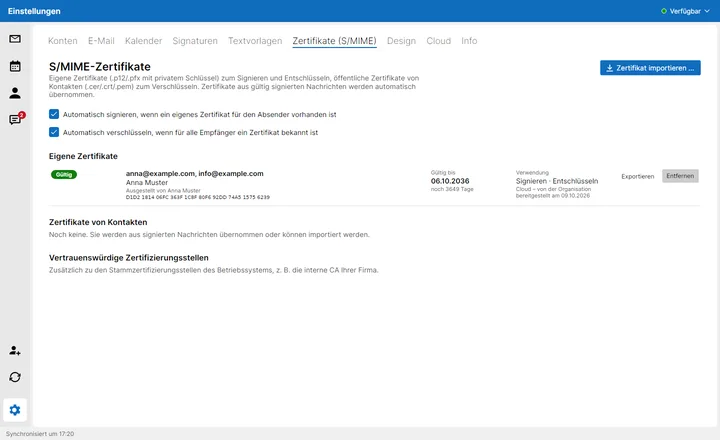
With Neruna Cloud, your admins hand out S/MIME certificates to the devices – one for info@ to several people, too. Encrypted in the browser, approved per device: the server can never read the keys.
Accounts & backup from the cloud
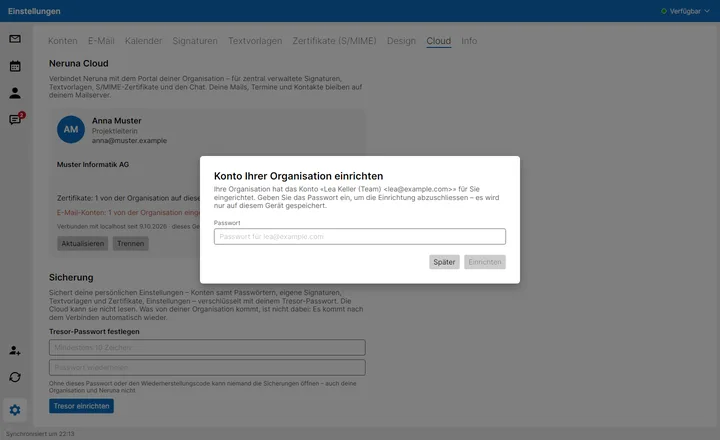
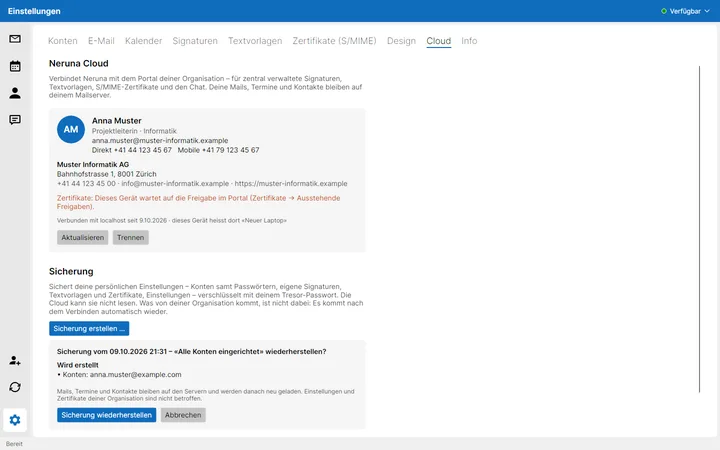
With Neruna Cloud, your admins set up mail accounts on the devices, and you back up your personal settings encrypted in the vault – new computer, restore, done. The server can read none of it.
- Accounts with server profile and aliases; without a stored password, Neruna asks the person once
- Up to 20 backups with a note; before restoring, a preview shows what is created and what is removed