
Setup
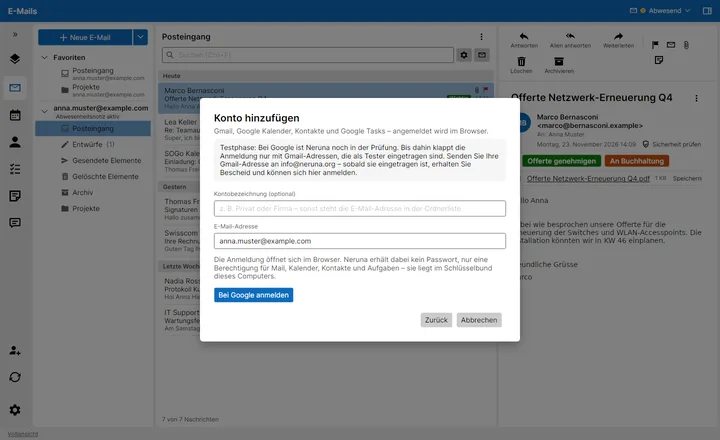
“Add account” → “Google (Gmail)”.
Sign in at Google in the browser and tick the services Neruna may use.
Back in Neruna: the account is ready, mail, events and contacts are loading.
Guides · For everyone
Neruna speaks both S/MIME and PGP. With PGP you sign and encrypt mail with a key of your own – no certificate authority needed, compatible with other OpenPGP programs.
“Add account” → “Google (Gmail)”.
Sign in at Google in the browser and tick the services Neruna may use.
Back in Neruna: the account is ready, mail, events and contacts are loading.
Didn't tick calendar or contacts the first time? Settings → Accounts → Edit → “Sign in with Google” and tick everything at Google. The account stays; Neruna only adds what is new.
Until Google has finished reviewing Neruna, sign-in only works with Gmail addresses I have registered as testers. Want to test? Send me your address via the contact form.